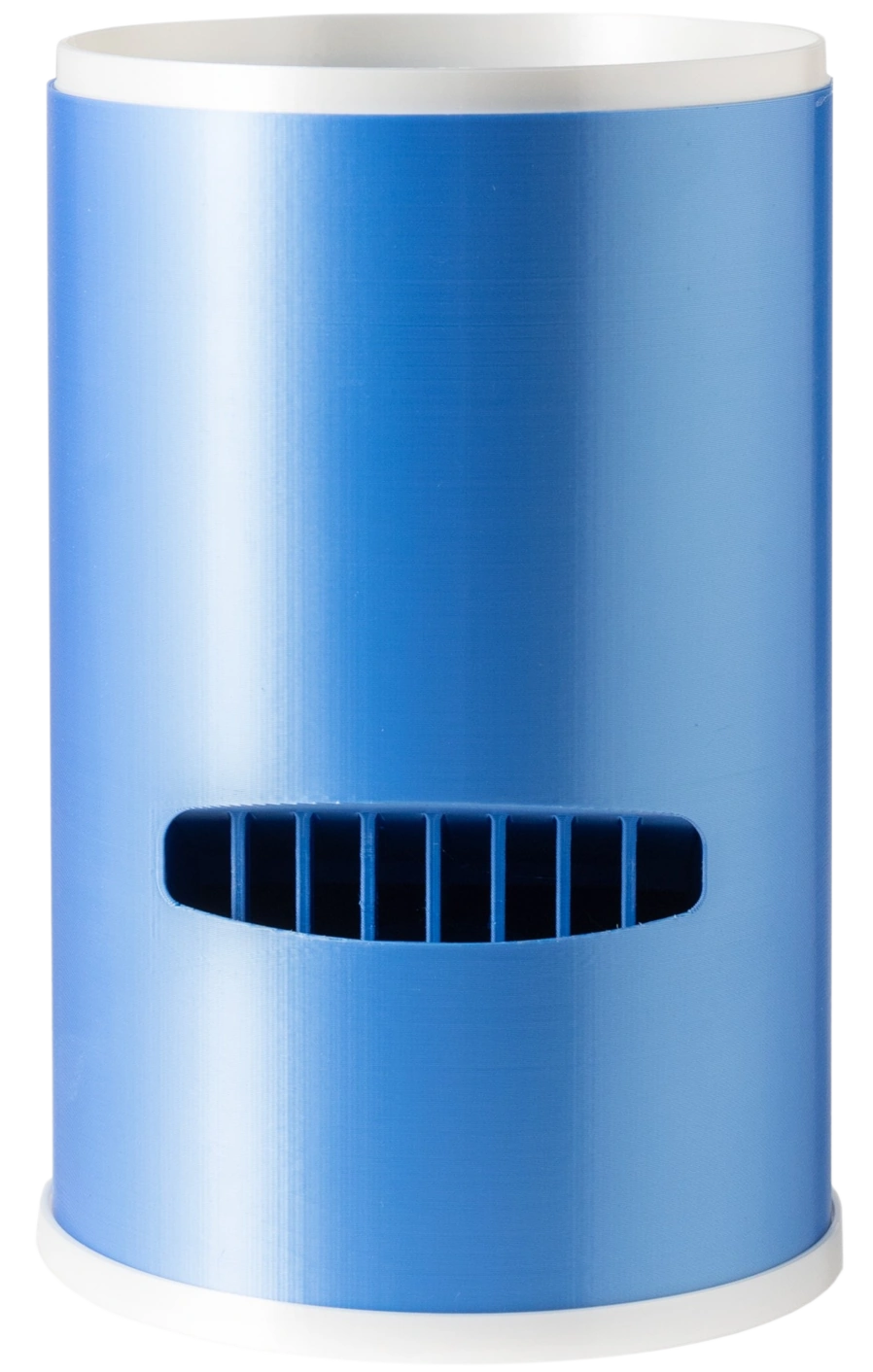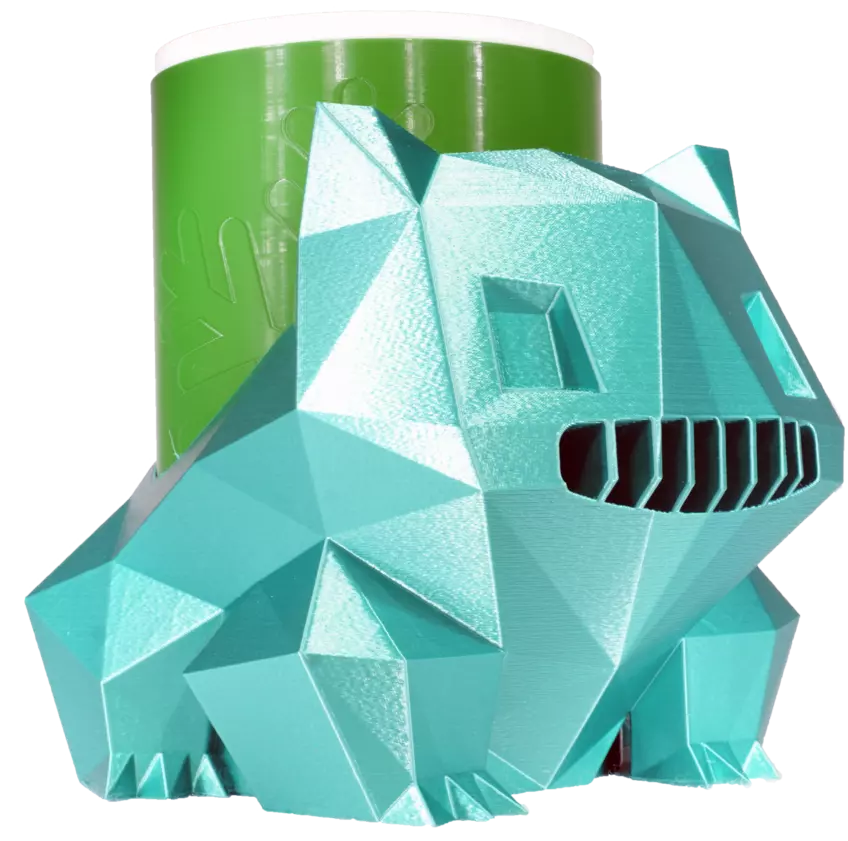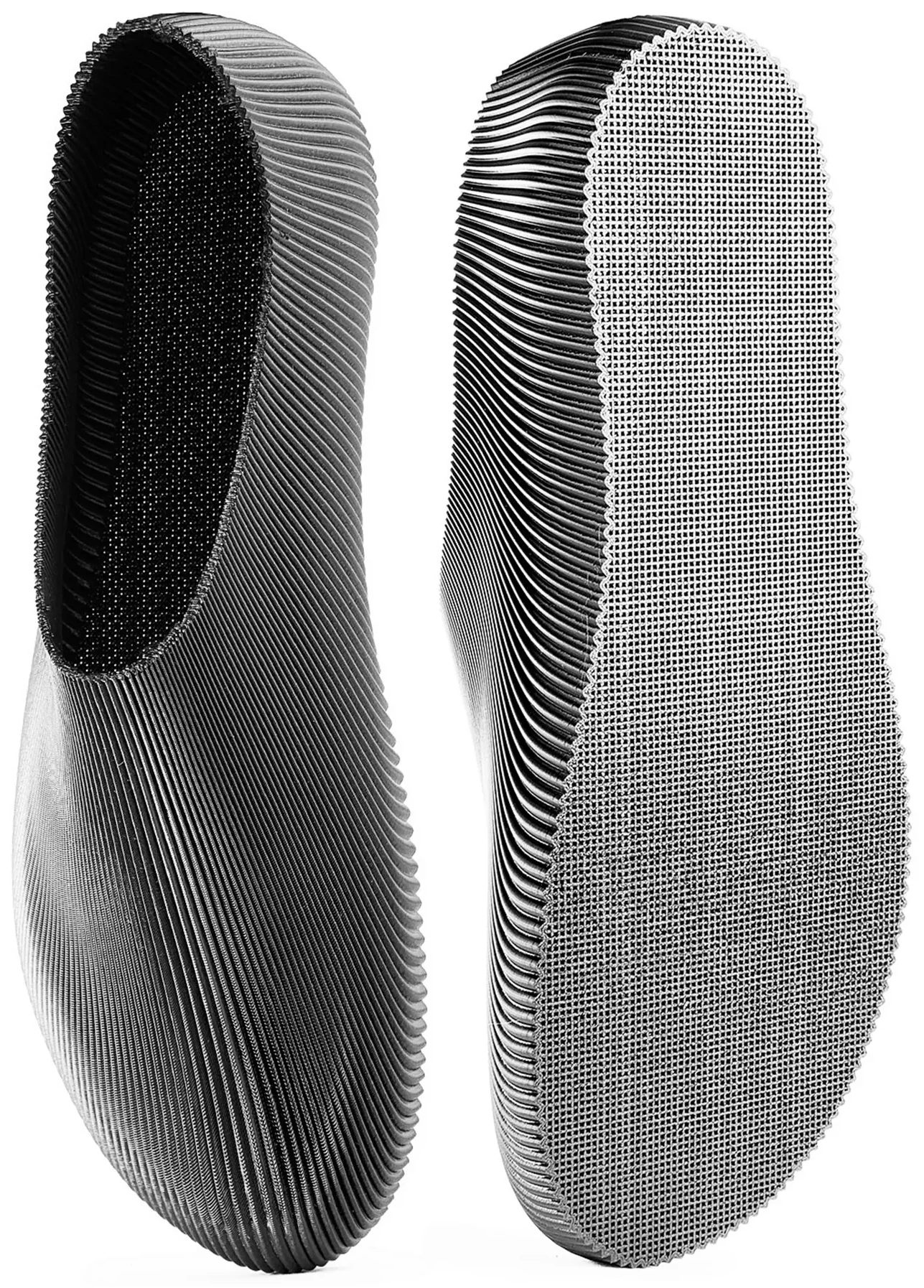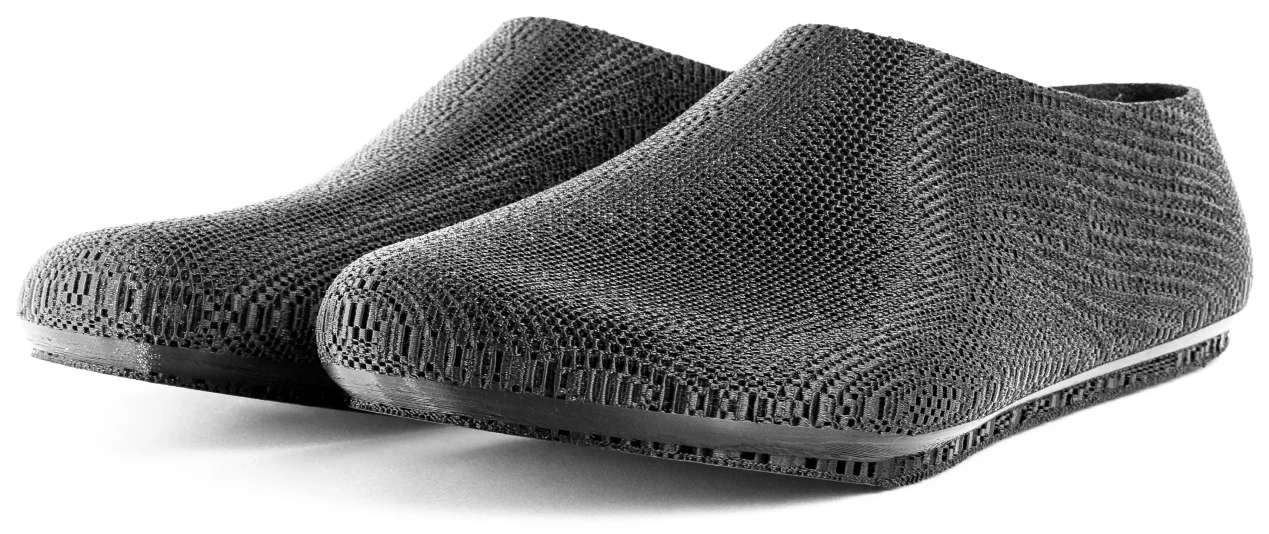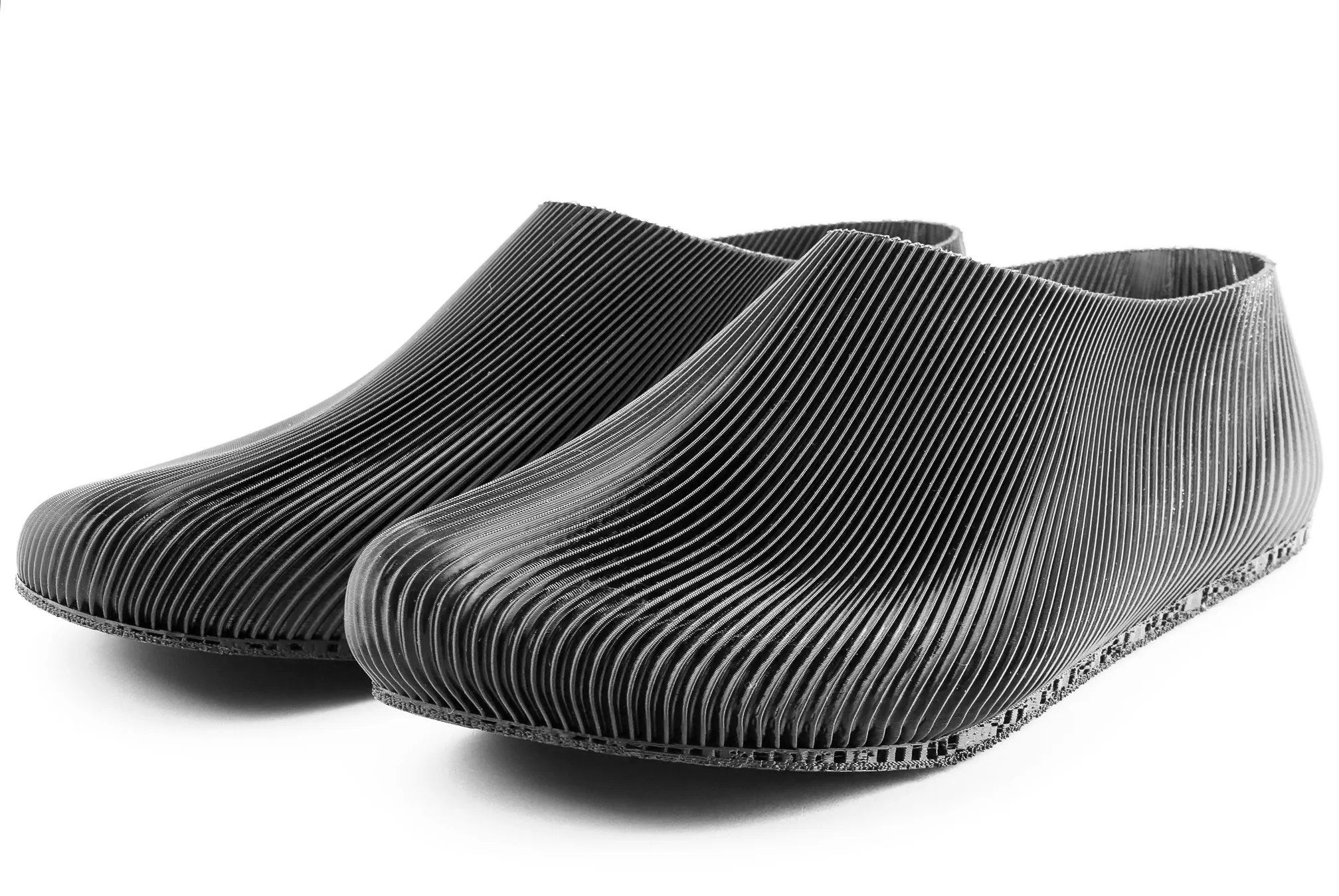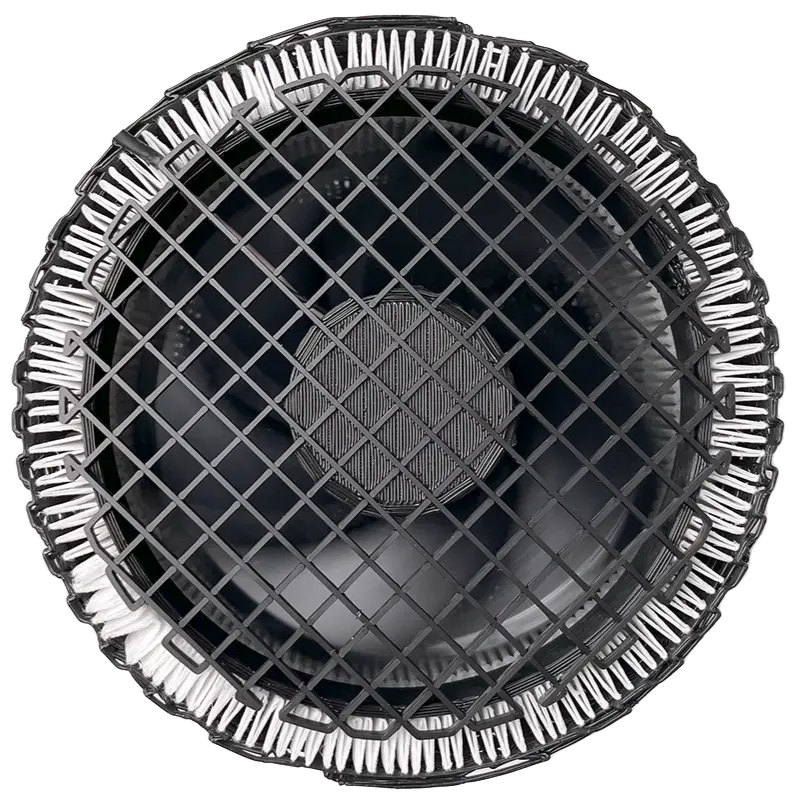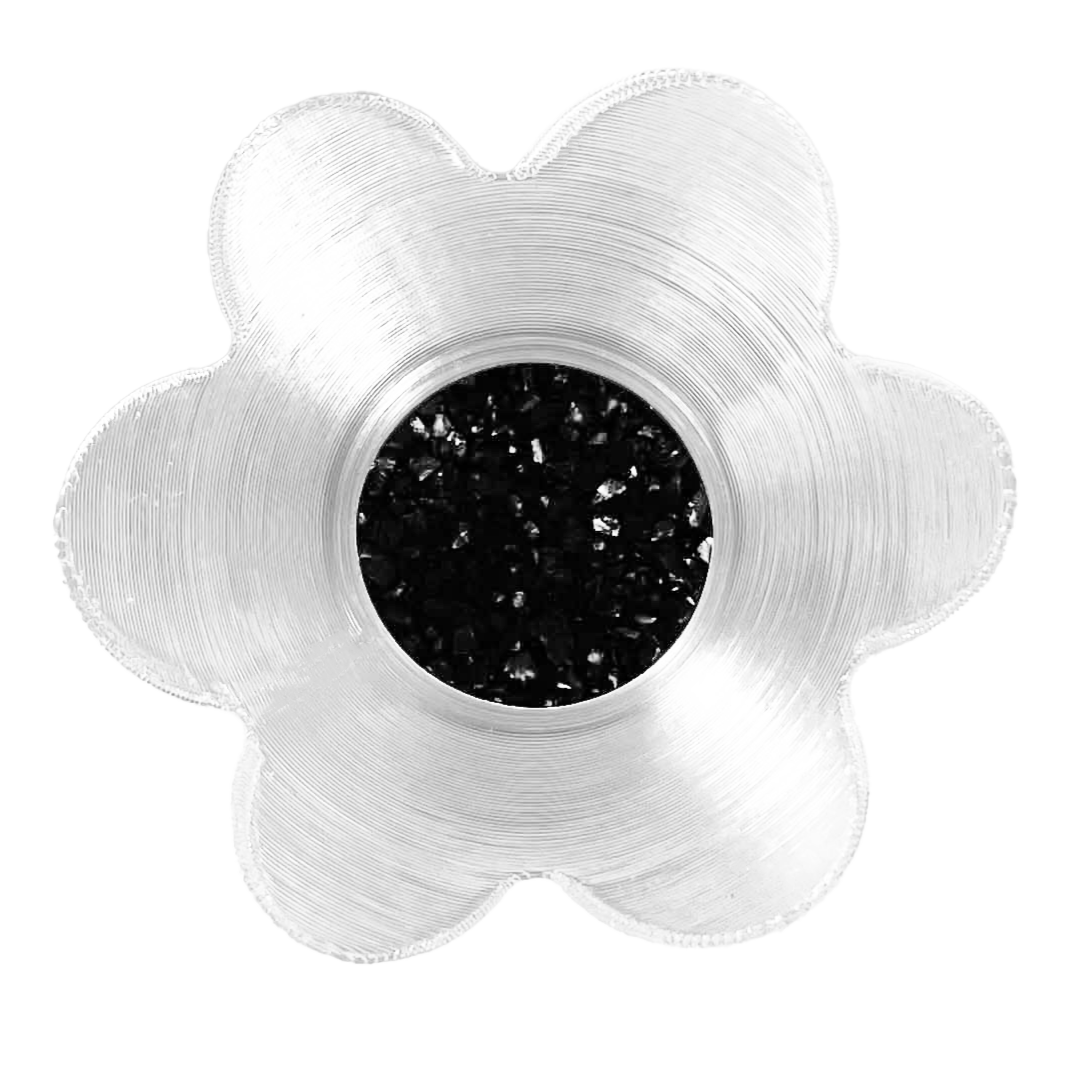
The Yuki family has two different print workflows. The Mini versions can start from a normal 3D model. The larger full-size Yuki models are different: they are shared as direct G-code.
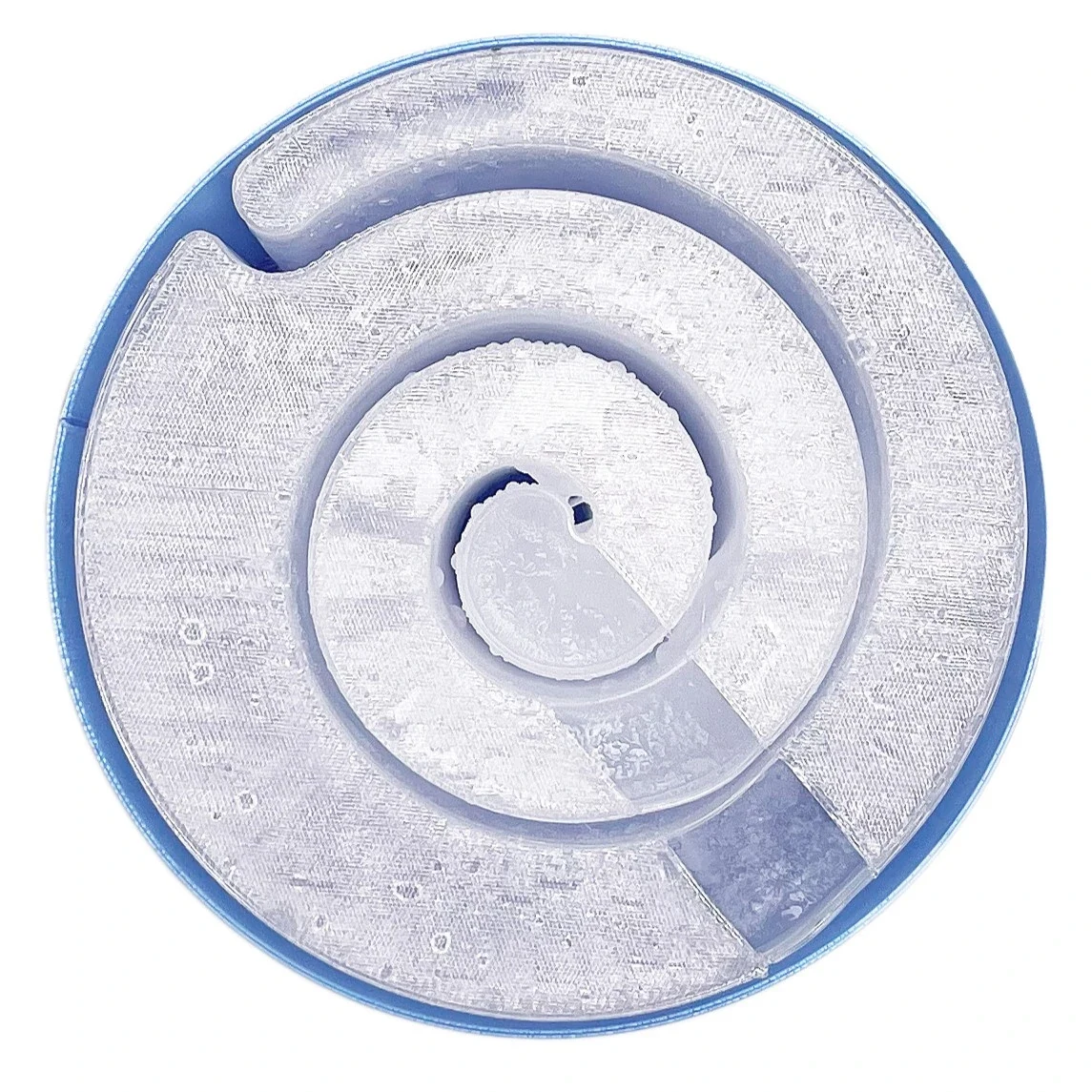
The reason is the internal overhang. Inside Yuki, the geometry needs the print lines to behave very precisely so the overhang prints cleanly. A normal model-to-slicer workflow does not give enough control over that area.
For full-size Yuki, the toolpath starts in Cura. Then the G-code is refined after slicing: partly by hand, partly with a Python script. The goal is to make the print lines support high overhang quality instead of leaving it to default slicing behavior.
This is not the same process as the Grasshopper-generated shoe toolpaths. Yuki uses Cura as the base, then post-processing changes the actual printer instructions.
That extra work makes the downloadable file less generic, but more reliable for the specific object. The point is not to expose a 3D model for every case; the point is to give the printer the path that produces the best Yuki shell.
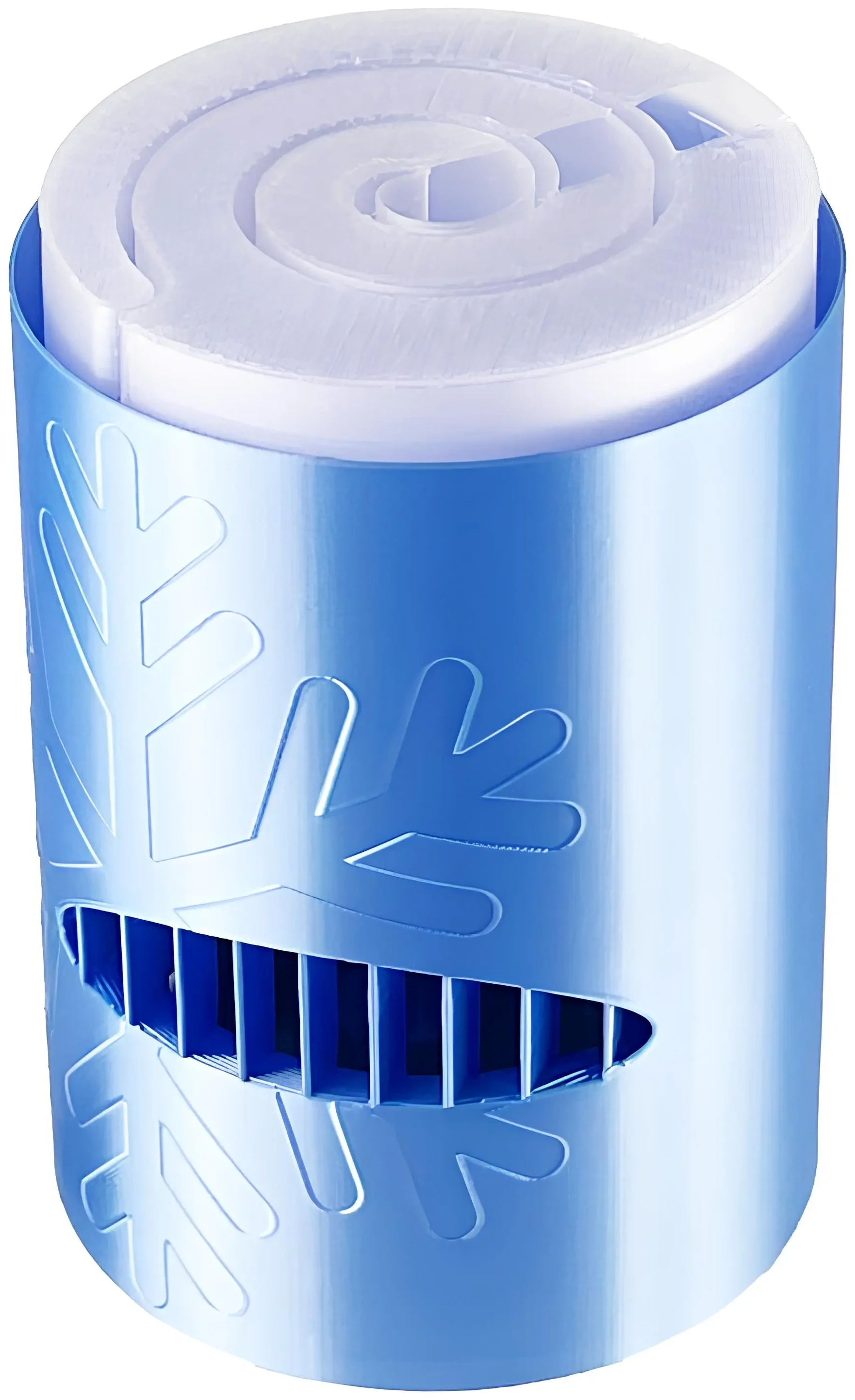
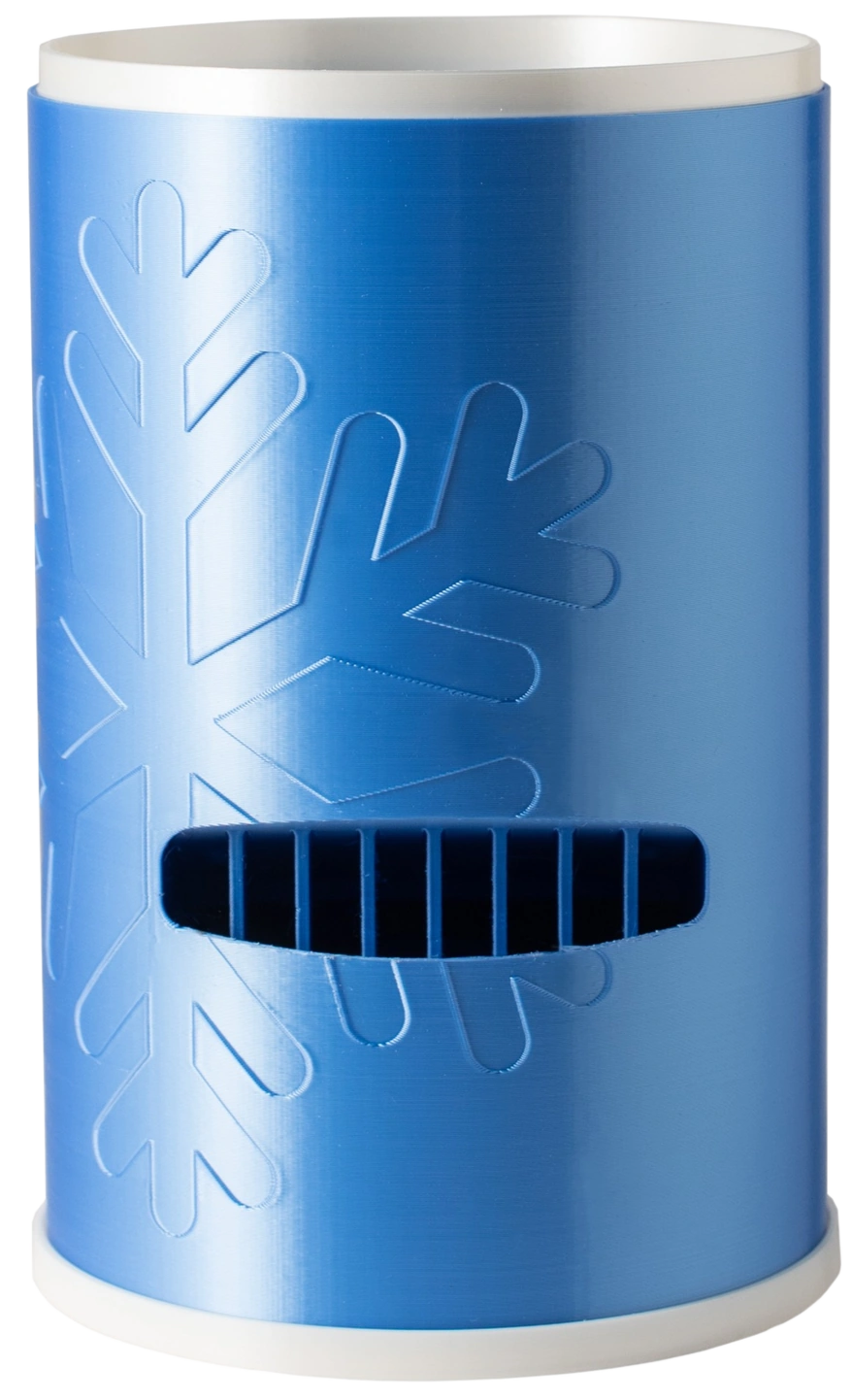
Yuki Snowflake
The snowflake full-size Yuki: the same low-energy frozen-pack airflow in a more decorative shell, shared as refined G-code for cleaner internal overhangs.
View design